India's biggest selling season is already under way. Flipkart's Big Billion Days and Amazon's Great Indian Festival both opened on 8 October, Meesho is running its Mega Blockbuster Sale, and Diwali falls on 8 November.
During a sale, shoppers scroll faster than at any other time of year. They compare dozens of near-identical listings in seconds, and the first thing they judge is the photo. If yours still shows the product on a kitchen counter under a tube light, this is the cheapest fix you can make before Diwali.
You don't need a studio or a photographer. You need one clear phone photo per product and an afternoon.
The festive photo plan: four images per product
For each product you want to push this Diwali, aim for four images:
- A clean main image. White or plain background, product sharp and centred. Most marketplaces want this as the first image, and it's what appears in search results.
- A festive lifestyle image. Your product in a scene buyers can picture: a gift being opened, a pooja shelf, a dinner table set for guests. This is the image that makes someone stop scrolling.
- A campaign image for social and ads. Bold, colourful, built for Instagram, WhatsApp status and ads. Your listing can stay simple; this image can be dramatic.
- A detail or "what's included" image. Close-up texture, size, or the contents of a gift box. This answers questions before a buyer messages you.
Here's how to make each one on Oranokai.
1. Main image and the full catalog set: E-Com Catalog
The E-Com Catalog makes a whole set of listing images from one product photo: the main image plus feature, detail and lifestyle cards with your product details written in.
New this week: your product is cleaned before anything else. Real product photos carry dust, fingerprints, scuffs and creases. Before making any cards, Oranokai now creates one clean, factory-new version of your product and checks it against your original photo. It is only used if:
- every word, number and logo on the label is unchanged,
- the shape is not bent, warped or distorted,
- no design detail has been added or lost, and
- the colours still match your product.
Every card in the set is then made from that one clean version, so the product looks identical, and new, across all of them. If the clean-up doesn't pass after a second try, no cards are made and you aren't charged.
Each card costs 28 credits (the first image includes the one-time product analysis).
2. The festive lifestyle image: Automatic, Studio quality
On the Automatic generator, upload your product photo, choose Studio quality (25 credits, on paid plans) and describe the scene in your own words. It follows what you write: the person, the pose, the setting and the light.
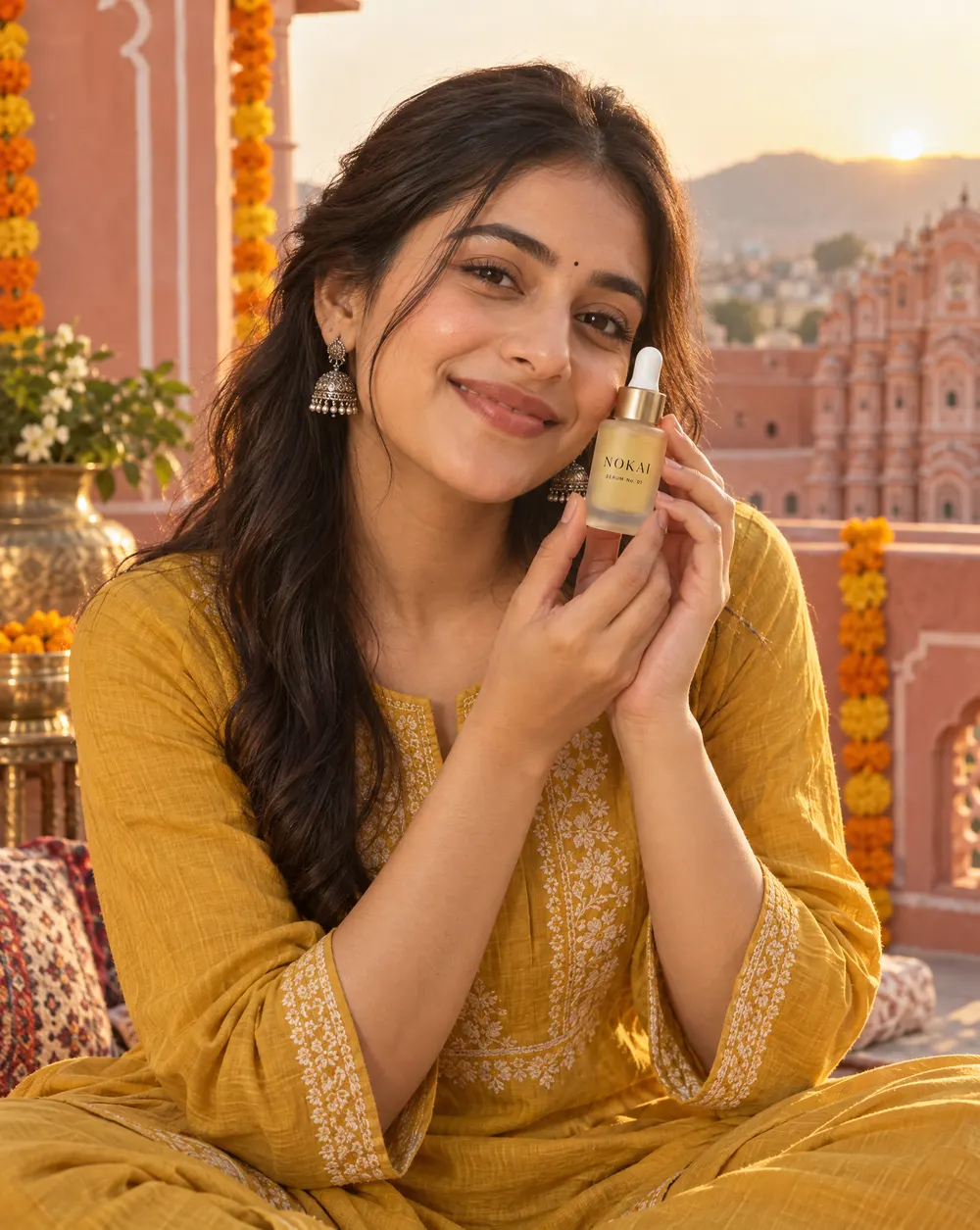
That image came from one prompt: "A young Indian woman in a mustard cotton kurta on a sunlit Jaipur rooftop with pink sandstone walls and marigold garlands, holding this serum bottle near her cheek and smiling." The bottle and its label stayed exactly as photographed, and dust and marks on the original were cleaned away in the same image.
A few Diwali prompts that work well:
- "On a brass pooja thali with diyas, marigold petals and a soft warm glow."
- "Wrapped as a Diwali gift on a silk cloth, with gold ribbon and a lit diya beside it."
- "On a festive dinner table set for guests, rangoli in the background, evening light."
- "Held by a smiling woman in a festive saree, with string lights softly blurred behind her."
New: show us a look you like
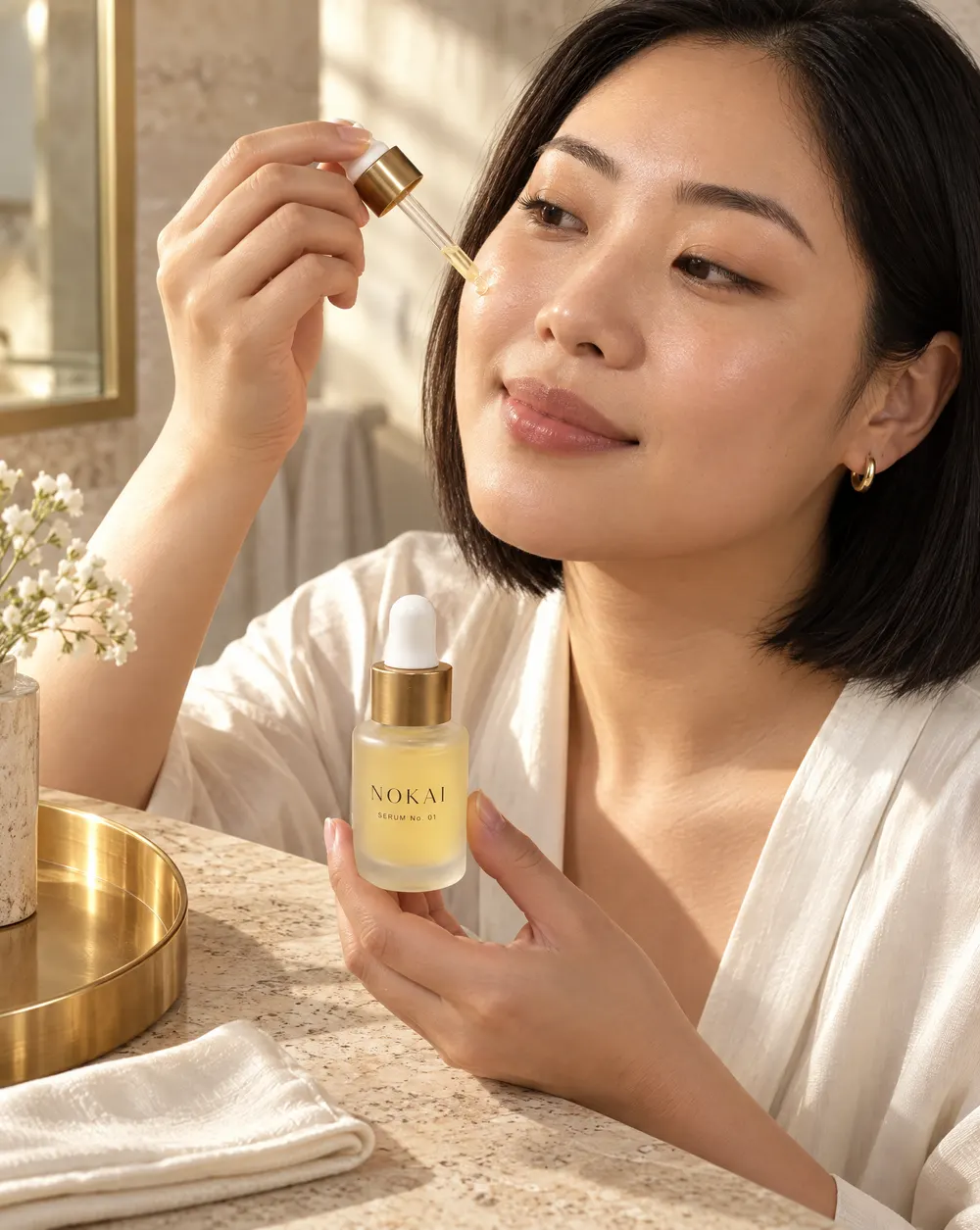
Found a festive ad whose mood you love? Studio quality now has an optional style reference. Upload that image and Oranokai adapts its background and overall theme (colours, light, mood) to your product.
It never copies the other image exactly, and it never uses its brand name, logo or text unless you ask for it in your prompt. The reference only sets the mood; your product and your words decide the rest.
3. The campaign image: Out of the Box
Sometimes you don't have a scene in mind; you just want something that stands out. That's what Out of the Box (35 credits, on paid plans) is for. Leave the prompt as it is, and Oranokai looks at what your product is, comes up with several campaign ideas, picks the strongest and creates it.
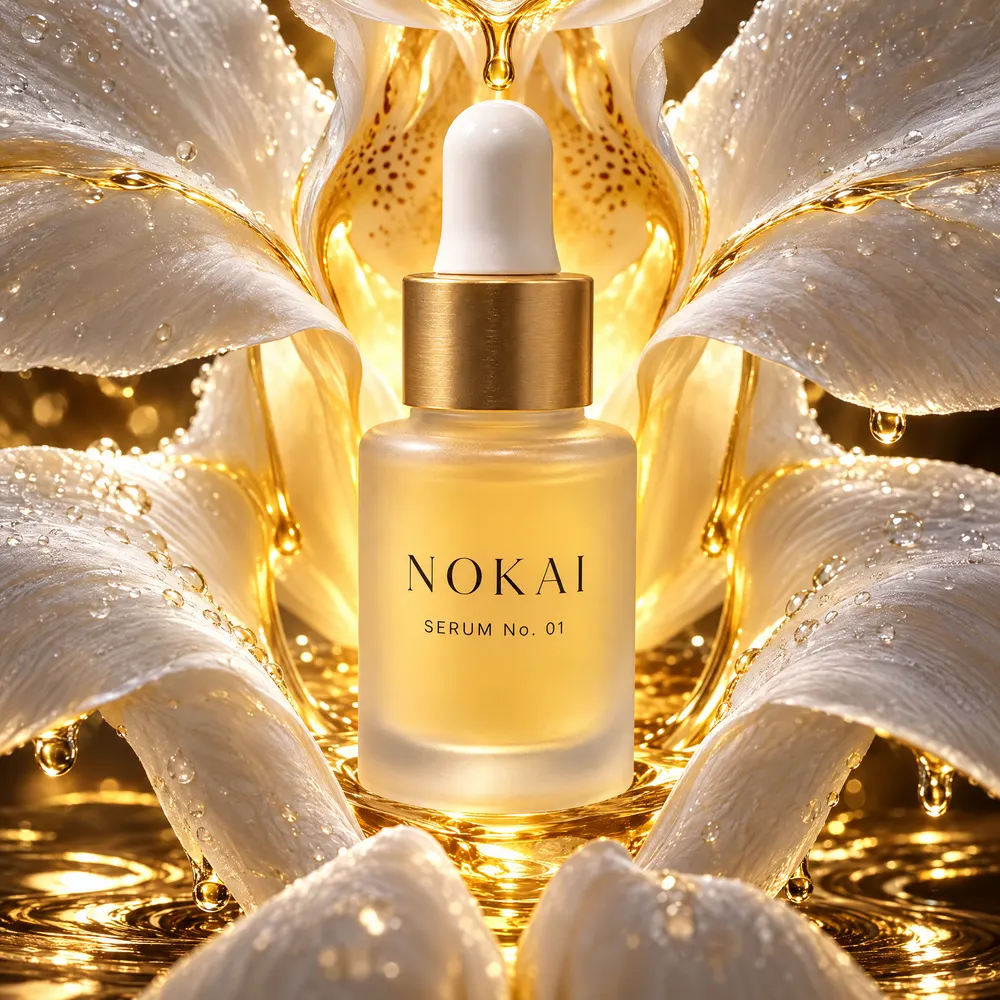
This week we rebuilt how those ideas are chosen. Out of the Box now aims for rich, layered, colourful scenes that come from what your product actually is, instead of a plain product-on-a-stand shot. And if you do write something, like "Diwali fireworks bursting around this product" or "floating among glowing diyas", it builds exactly that scene.
Your product stays large, sharp and unchanged in every Out of the Box image. If the product itself comes out wrong, you don't get charged for it.
4. Short videos for reels and status
If you sell on Instagram or WhatsApp, a few seconds of movement gets noticed more than a still. On the video page, give Veo 3.1 Lite your product photo as the first frame and it animates it, in 4, 6 or 8 seconds.
The Diwali offer: 25% more credits
Until 8 November, every Starter and Creator pack bought in India comes with 25% bonus credits:
| Pack | Price | Credits | With Diwali bonus |
|---|---|---|---|
| Starter (6 months) | ₹749 | 800 | 1,000 |
| Creator (12 months) | ₹1,500 | 1,500 | 1,875, plus 500 bonus credits when you run out |
See all plans on the pricing page. New accounts start with 20 free credits, and free accounts can try Studio quality once for 15 credits.
A simple schedule for the next three weeks
- This week: pick your 5–10 best-selling products. Make a catalog set for each, and replace your main images first.
- Next week: add one festive lifestyle image per product and update your listings.
- The week before Diwali: make campaign images and short videos for Instagram, WhatsApp and ads, while shoppers are deciding on gifts.
A note on AI labels
India's 2026 amendments to the IT Rules require platforms to label AI-generated images and video. When you post AI-made images in ads and on social media, a small "AI-generated" note is good practice, and each marketplace has its own rules for listings. That's why every example image in this post is captioned as AI-generated.
Happy selling, and happy Diwali.