Product photography
Create Your Complete Product Catalog
Upload your product photos and choose a coordinated e-commerce listing set—hero, infographics, lifestyle scenes, feature highlights, and more.
Only have one product image? Use Product Generator →Already have listing images? Check them for Amazon, Flipkart & Meesho →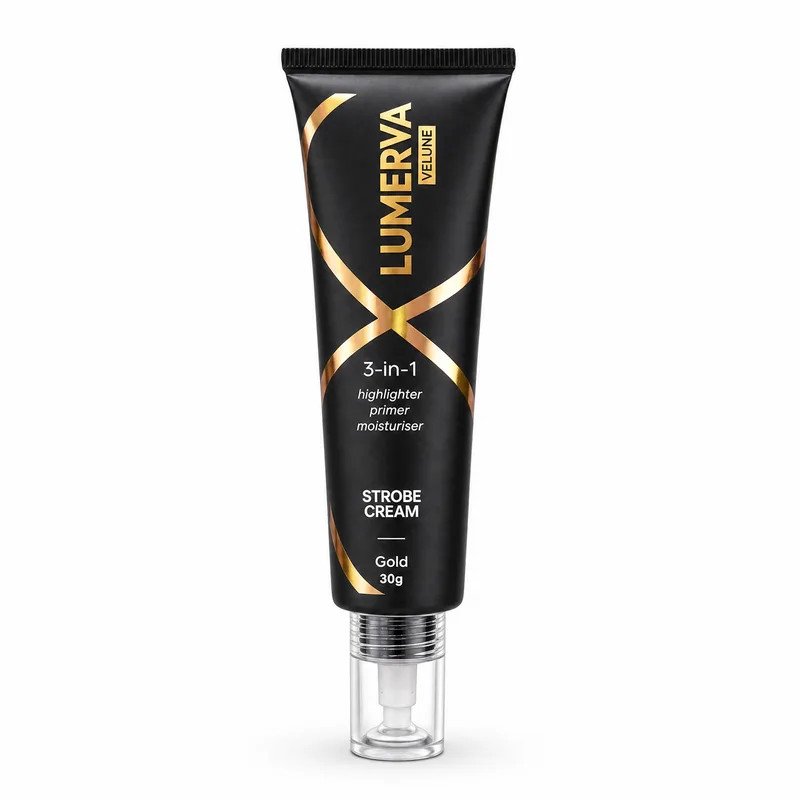

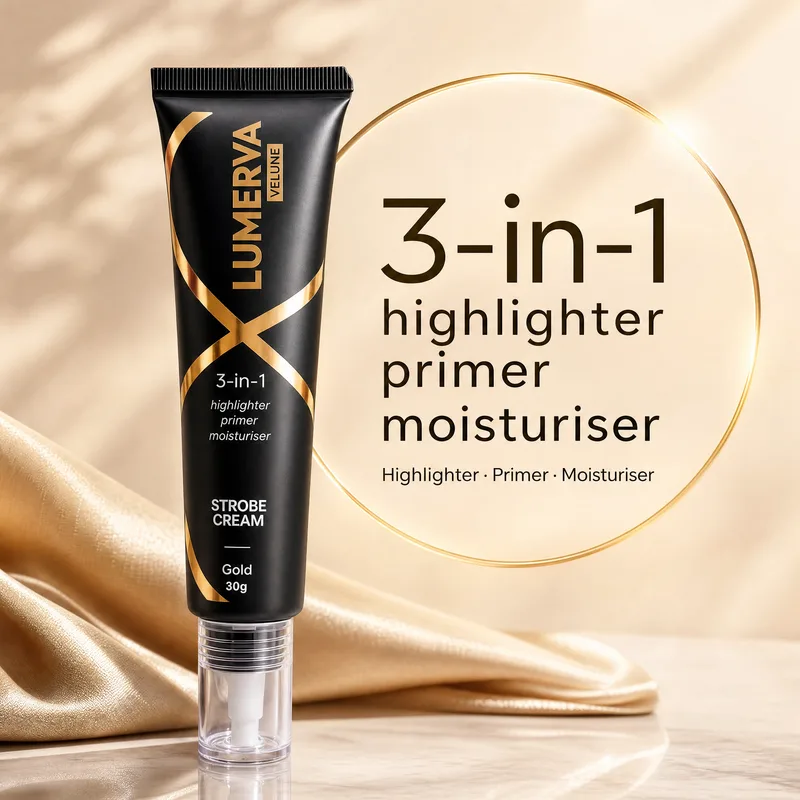

5Radiant Glow
6Strobe Cream
7Detail Close-up

How should Oranokai create your catalog?
Your main image is always a clean, marketplace-safe product shot.
01
Add product photos
Click or drop photos onto the tiles. The first image becomes the primary reference.
Use a clear front viewKeep labels readableAdd side angles if available
Have more details about your product?Optional style, size reference, or measurements. Your product photos are enough to get started.
Style reference · OptionalAdd a reference image to match a style, mood or visual direction (e.g. lighting, colours, composition).
Scale reference · OptionalAdd a reference image to show the product's real-world size (e.g. in a hand or next to a common object).
Know your product's dimensions?Optional · used to guide scale and dimension cards
Scale photos and measurements guide product size. A style image guides the catalog’s mood and lighting without changing your product or its claims.
02
Listing details
Only supply facts you want used in the catalog.
We’ll work out the category from your photo and product name.
Choose catalog images
Select the images you want to generate.
8/9 available selected
Free-plan introductory rate: 20 credits per image instead of 28 — save 8 credits (29%). Your 20 signup credits cover one card. Photo analysis is included.
8 images160 credits
Try Free — 20 creditsMarketplace readyExports for Amazon, Flipkart and Meesho
One coordinated catalogConsistent product and visual direction
Your catalog stays in your accountImage links can be viewed by anyone you share them with