Flipkart product photos from one photo, sized and styled for the listing
Create a full set of Flipkart-ready product images from one photo: a clean main image, feature and lifestyle shots, with the right size and format for Flipkart.
No signup needed to check a photo. 20 free credits to start creating.
Choose your marketplace
What Flipkart checks in your photos
Resolution
At least 500px on the short side. 1024px or more looks sharper and scores better.
Background
The main image should use a white or very light background, with no busy scenes behind the product.
Product fill
The product should fill about 85% of the frame.
File
JPEG or PNG, up to 10MB.
- Keep the product centred and large in the frame.
- Use JPEG or PNG files.
Marketplace rules change. Always confirm against Flipkart's current seller guidelines before you publish.
From one photo to a full set
Step 1
Check your current photo
The free Compliance Check shows what passes and what to fix.
Step 2
Generate the set
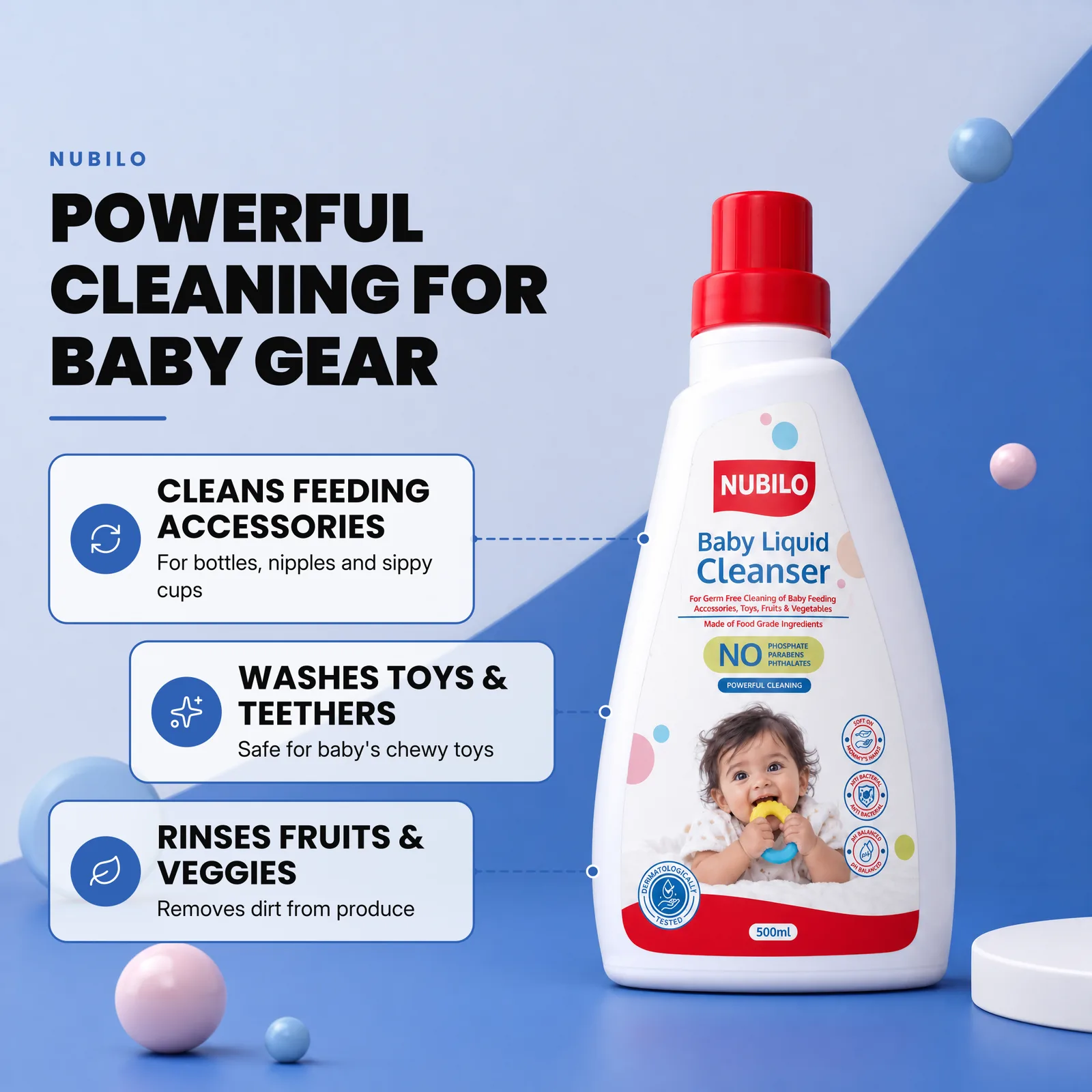
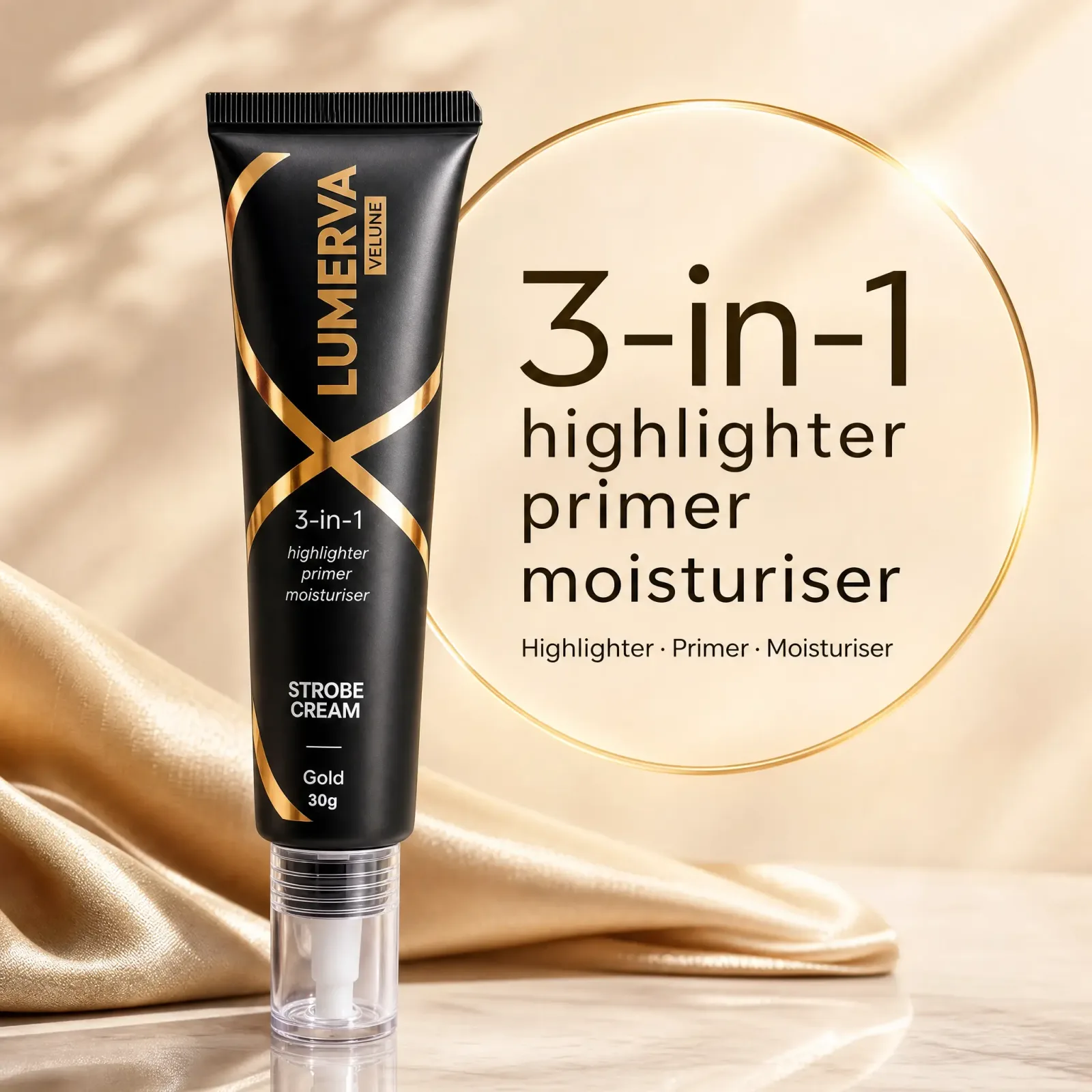
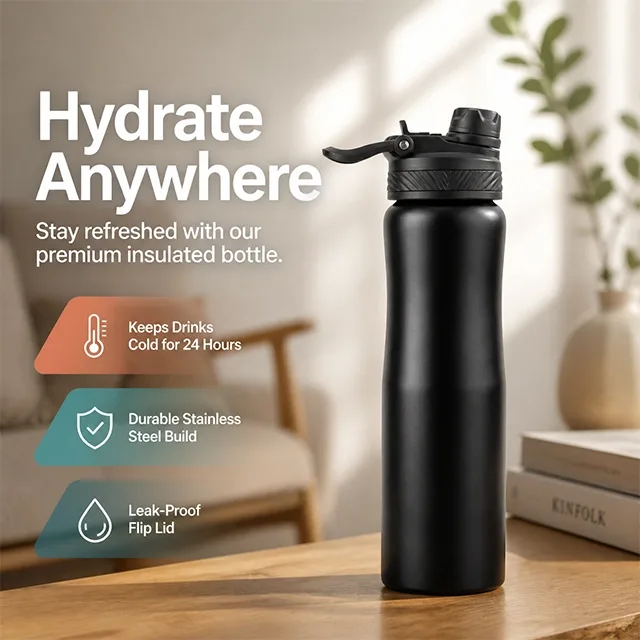
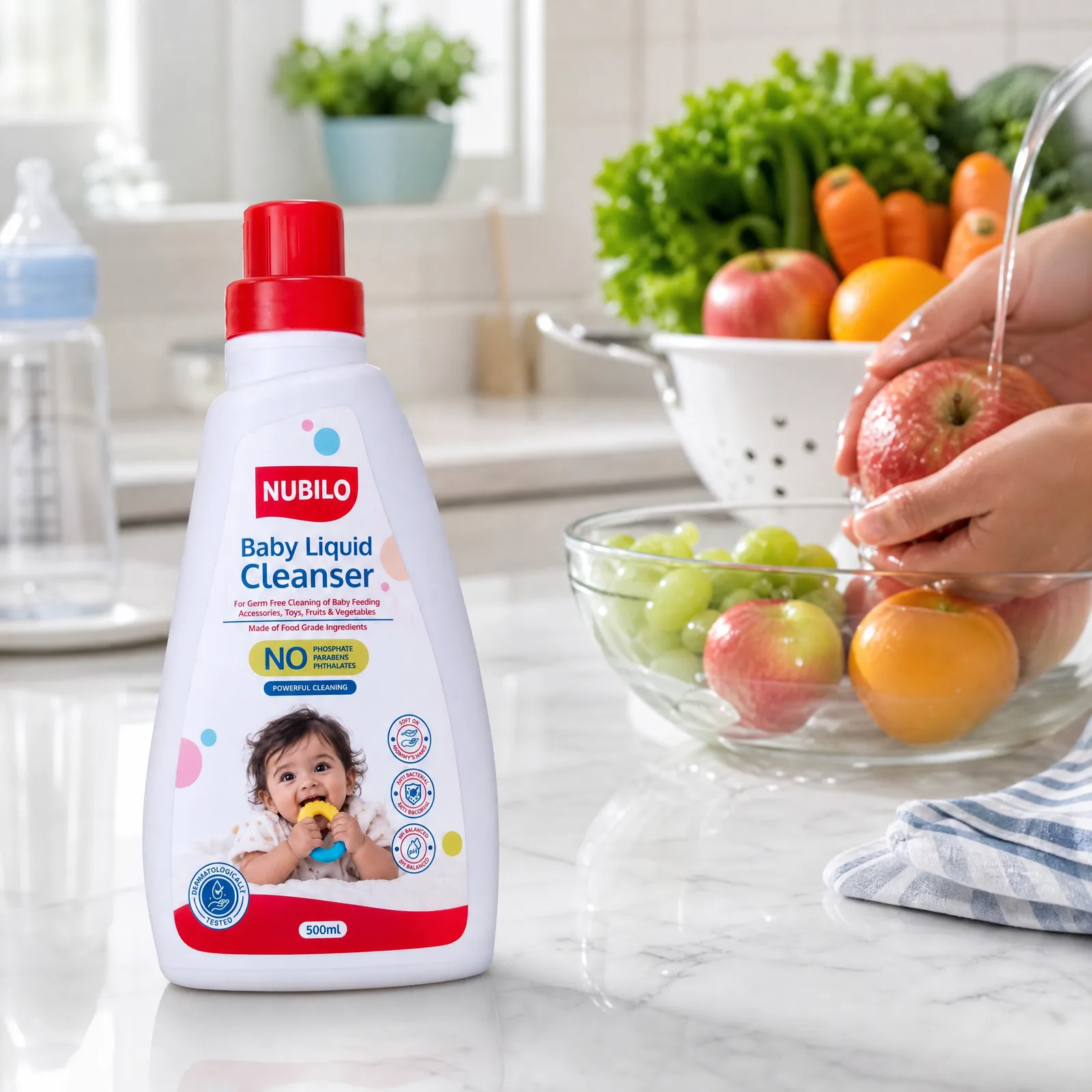
The E-Com Catalog builds hero, infographic, lifestyle and detail images from that one photo.
Step 3
Fine-tune the text
Edit the wording and icons on most cards for free, without regenerating.
Examples
Questions sellers ask
What background does Flipkart want?
White or a very light background works best for the main image. Keep busy scenes for your other images.
Can I make Flipkart images from one photo?
Yes. Upload one clear photo of the product and Oranokai creates the full set. You can then check each image before you upload it to Flipkart.
What is the minimum image size for Flipkart?
At least 500 pixels on the shortest side. 1024 pixels or more looks sharper, and Oranokai generates at 2K.
Read next
Ready to list on Flipkart?
Start with one photo and see what passes.